
Global internet connectivity options: what actually works when the plane lands

“Global” sounds clean on paper. In real life, connectivity is a patchwork of carriers, regulations, device quirks, and pricing models that were clearly designed by committees. The result is predictable: many travelers and remote workers still overpay, under-plan, or discover too late that their “unlimited” plan has asterisks the size of a suitcase.
Global internet connectivity options aren’t just about staying online. They affect everything from banking logins and two-factor codes to map accuracy, ride-hailing, client calls, and even border control forms that have quietly moved to QR codes. The best setup depends on how often travel happens, how critical uptime is, and whether the trip is mostly urban or includes rural stretches.
The first decision is not “which plan,” but “how many points of failure are acceptable”
A situation that comes up constantly: someone relies on a single option (usually roaming) and assumes it will behave the same way everywhere. Then the phone connects to a partner network with weaker coverage, data gets throttled after a tiny “fair use” threshold, or hotspot sharing is blocked by the carrier. The trip becomes an exercise in chasing bars of signal.
A more resilient approach starts with a simple rule: the more important the connection, the more it should be layered.
- Low-stakes travel: one primary option is usually fine.
- Work-critical travel: two independent options are safer (for example, eSIM + pocket WiFi, or roaming + local SIM).
- Remote or high-risk itineraries: three layers can be reasonable (cellular + cellular backup + satellite).
This isn’t paranoia. It’s acknowledging how often the weak link isn’t the country, but the details—APN settings, hotspot restrictions, incompatible bands, or a device that isn’t actually unlocked.
Roaming plans: convenient, expensive, and often misunderstood
Carrier roaming is the default because it’s frictionless. It’s also the option most likely to produce avoidable bills and disappointing performance.

When roaming makes sense
Roaming can be the right call in short trips, especially when the priority is continuity: keeping the same number for calls and SMS, avoiding reconfiguring apps, and staying reachable immediately after landing.
For business travelers who move between countries every few days, roaming sometimes beats the constant SIM shuffle.
The common traps
- “Unlimited” that isn’t unlimited. In many cases, high-speed data is capped, then throttled to speeds that struggle with video calls.
- Hotspot limitations. Some plans allow data on the phone but restrict tethering, which becomes obvious the moment a laptop needs access.
- Partner-network roulette. Roaming often connects to whichever partner network is available, not necessarily the strongest one.
- Latency issues. Even when speeds look decent, routing can be inefficient, which shows up on real-time calls and VPN sessions.
Roaming works best when it’s treated as a premium convenience—not as the foundation for an always-online workflow.
Local SIM cards: still the price-to-performance champion in many countries
Buying a local SIM remains one of the strongest global internet connectivity options for travelers staying put. Local plans often deliver better speeds, lower latency, and more generous data allowances than roaming.
What usually goes wrong
Many run into problems for reasons that have nothing to do with the carrier.
- The phone isn’t truly unlocked. It may accept a SIM but block certain features or bands.
- The wrong SIM size or eSIM expectation. Some markets still default to physical SIMs; others are moving fast on eSIM.
- Registration requirements. In many countries, SIM registration requires a passport and sometimes proof of address. Queue times can be real.
- Airport kiosks vs. city shops. Airport SIMs are convenient but frequently priced higher, with fewer plan choices.
Practical selection tips
In most cases, the “best” carrier is the one with coverage in the places that matter: the neighborhood where the hotel is, the train route being taken, the rural region on the itinerary. It’s common to see a carrier praised online, then discover it struggles in one particular valley or coastal stretch.
Local SIMs are especially strong for:
- longer stays (a week or more),
- heavy data use (uploads, hotspot, streaming),
- consistent urban living with occasional day trips.
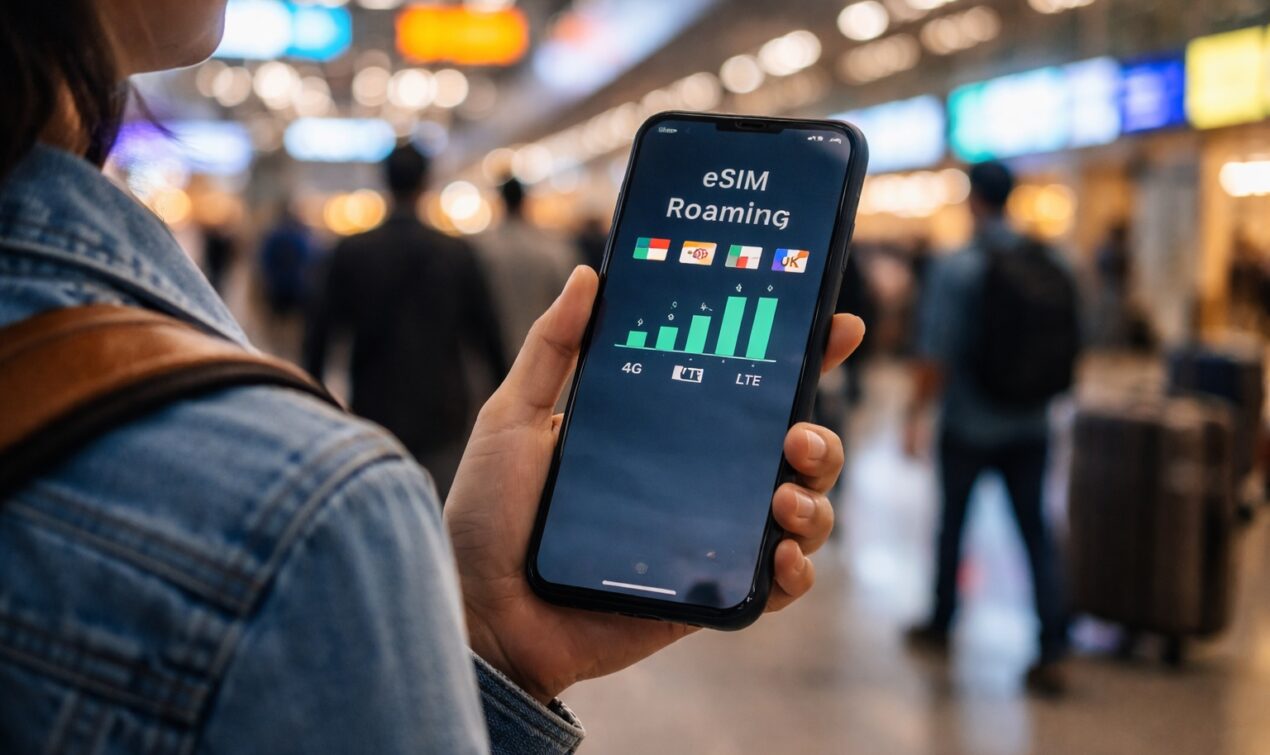
eSIM: the modern sweet spot, with a few technical gotchas
eSIM has changed the game for global travel. It reduces the friction of local SIM shopping and makes it easier to keep a primary number active while adding a data plan in minutes.
Why eSIM works so well
- Instant setup. Plans can be activated before arrival or at the gate.
- Dual SIM flexibility. Many phones allow keeping the main SIM for calls/SMS while using eSIM for data.
- No physical swapping. That means no tiny plastic trays, lost SIMs, or emergency paperclips.
Where people get burned
- Device compatibility. Not all phones support eSIM, and some support it only in certain regions/models.
- Plan types vary. Many travel eSIMs are data-only, which surprises those expecting local voice numbers.
- APN and routing quirks. Some eSIM providers route traffic through distant regions, which can increase latency.
- “Unlimited” marketing. As with roaming, fair use policies can throttle speeds after a threshold.
eSIM tends to be ideal for frequent travelers who want predictable setup, and for anyone who needs a fast backup option without hunting for a shop.
Portable Wi-Fi hotspots: great for teams, mixed results for power users
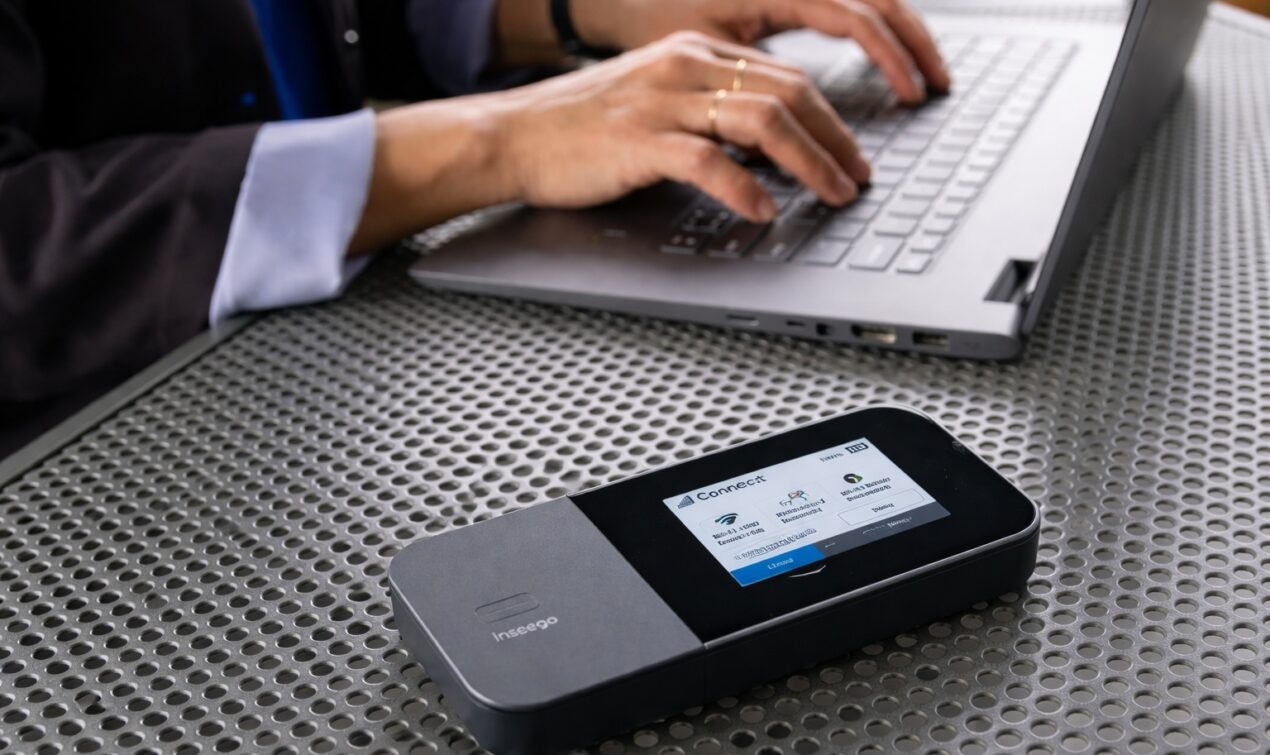
Pocket Wi-Fi devices (often called MiFi) look like the perfect compromise: one device connects to a local network and shares internet to multiple phones and laptops. In practice, they can be brilliant—or frustrating.
Where hotspots shine
- Groups and families. One plan can cover several devices, which can be cheaper than multiple SIMs.
- Multi-device workflows. Laptops and tablets connect easily without depending on phone tethering limits.
- Consistent sharing. A hotspot avoids the battery drain and instability of phone hotspot mode.
The trade-offs that matter
- Battery management. It’s common to see hotspots die mid-day unless charging is planned.
- Thermal throttling. In hot climates, devices can overheat and slow down.
- Carrier prioritization. Some plans deprioritize hotspot traffic, especially on congested networks.
- Device quality varies. Cheaper hotspots can have weak antennas and unstable Wi-Fi.
For professional use, a hotspot is most effective when paired with a strong local or regional plan and a device with decent radio performance.
Public Wi-Fi: useful, unavoidable, and rarely as “free” as it looks
Public Wi-Fi is part of the modern travel ecosystem: airports, hotels, cafés, co-working spaces. It also remains one of the most inconsistent global internet connectivity options.
Typical Wi-Fi realities
- Captive portals that break workflows. Login pages can interfere with VPNs, corporate security tools, or DNS settings.
- Congestion. Hotel Wi-Fi can collapse at peak hours, even in expensive properties.
- Security ambiguity. Many networks are poorly configured, and “lookalike” networks can be malicious.
Public Wi-Fi is often best treated as a secondary option, useful for heavy downloads or as a backup—especially when paired with sensible security practices (a reputable VPN, avoiding sensitive logins on unknown networks, and disabling auto-join).
Satellite internet: a real option now, but not a universal one
Satellite connectivity has moved from niche to mainstream awareness. It’s a genuine solution for remote travel, maritime routes, rural work sites, and overland trips where cellular coverage is unpredictable.
What satellite is good at
- Coverage beyond cellular networks.
- Emergency connectivity.
- Remote work in areas with no reliable infrastructure.
The practical limitations
- Line of sight matters. Trees, buildings, and canyon walls can degrade performance.
- Power and portability. Some systems require more power management than travelers expect.
- Setup friction. It’s not as effortless as cellular; it’s closer to “mini field equipment.”
- Cost. Hardware and subscriptions can be significant.
Satellite makes the most sense when the alternative is simply being offline, not when the destination is a major city with robust 5G.
Regional vs. global plans: the “one plan everywhere” dream has a price
Many providers offer regional bundles (Europe, North America, Asia-Pacific) and global bundles. The convenience is real, but so is the cost premium.
A pattern shows up constantly:
- Regional plans often have better value and performance where they’re designed to operate.
- Global plans can be worth it for constant multi-region movement, but they may deliver “good enough” speeds rather than excellent ones.
The decision should be tied to travel patterns, not aspirational convenience. Someone who spends 80% of travel time in one region rarely benefits from a global bundle that sacrifices performance and pricing in exchange for theoretical coverage.
The small details that separate “connected” from “it kind of works”
Device bands and network support
A phone can be expensive and still be a poor match for a region’s bands. This shows up as weak indoor coverage, unstable 4G/5G switching, or a device that clings to 3G/2G remnants in rural areas.
Hotspot and tethering policies
Many discover too late that their plan restricts tethering or caps hotspot data separately. For remote work, hotspot permission is not a bonus feature—it’s a core requirement.
Data speed vs. latency
Speed tests can look impressive while video calls stutter. Latency and routing matter for meetings, cloud editing, and VPN access.
Two-factor authentication and number continuity
Switching SIMs can complicate bank logins and SMS-based verification. In many cases, keeping the primary SIM active for calls/SMS while using eSIM for data avoids that headache.

A realistic connectivity setup for different travel styles
- Weekend city trip: roaming plan or a short-term eSIM.
- One-country work trip (1–4 weeks): local SIM or local eSIM + roaming as backup.
- Multi-country itinerary: regional eSIM bundle + roaming fallback; consider a hotspot for laptop-heavy days.
- Content creators and heavy uploads: local plan with strong upstream performance + café/co-working Wi-Fi for large transfers.
- Remote road trips: dual-network strategy (two different carriers via SIM/eSIM) + satellite only if the route demands it.
Global internet connectivity options aren’t about chasing the fanciest technology. They’re about matching the tool to the real conditions on the ground—coverage maps that lie a little, “unlimited” plans that aren’t, and workdays that don’t pause because a captive portal won’t load.
The travelers who stay reliably connected tend to be the ones who assume something will fail, and build a setup that still works when it does.